

| Source | Input | Best for |
|---|---|---|
| Article URL | Paste a link to a blog post or article | Repurposing long-form writing into a LinkedIn post |
| YouTube video | Paste a YouTube link | Drafting a post around a video — uses the video’s description |
| Audio | Record live or upload a voice note | Turning a 60-second walk-and-talk into a written post |
| PDF file | Upload a PDF (max 20 MB) | Research papers, ebooks, reports, lead magnets |
Whichever source you start from, every generator drafts the post for you and drops it into the same editor — so you can run AI rewrites, fix grammar, or tighten copy before publishing. See Write a new post for the AI Assistant panel.
Open a generator
From Post Generator › New Post on the templates gallery, click the template that matches your input:- Generate from Content — for article URLs
- Generate from YouTube — for video links
- Generate from Audio — for voice notes
- Generate from PDF — for documents
Provide the input
The input box is whatever the source needs.From an article URL
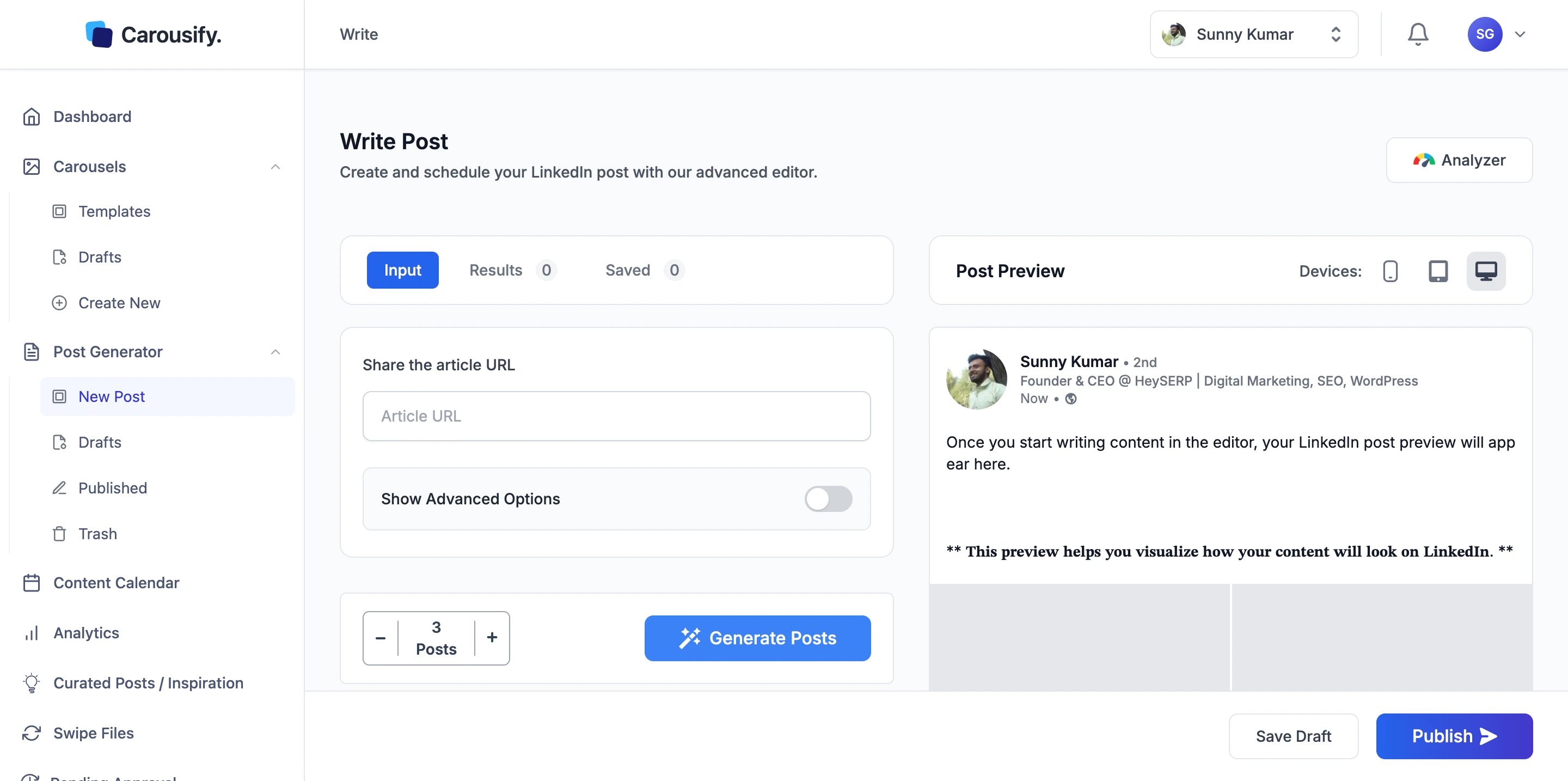
From a YouTube video
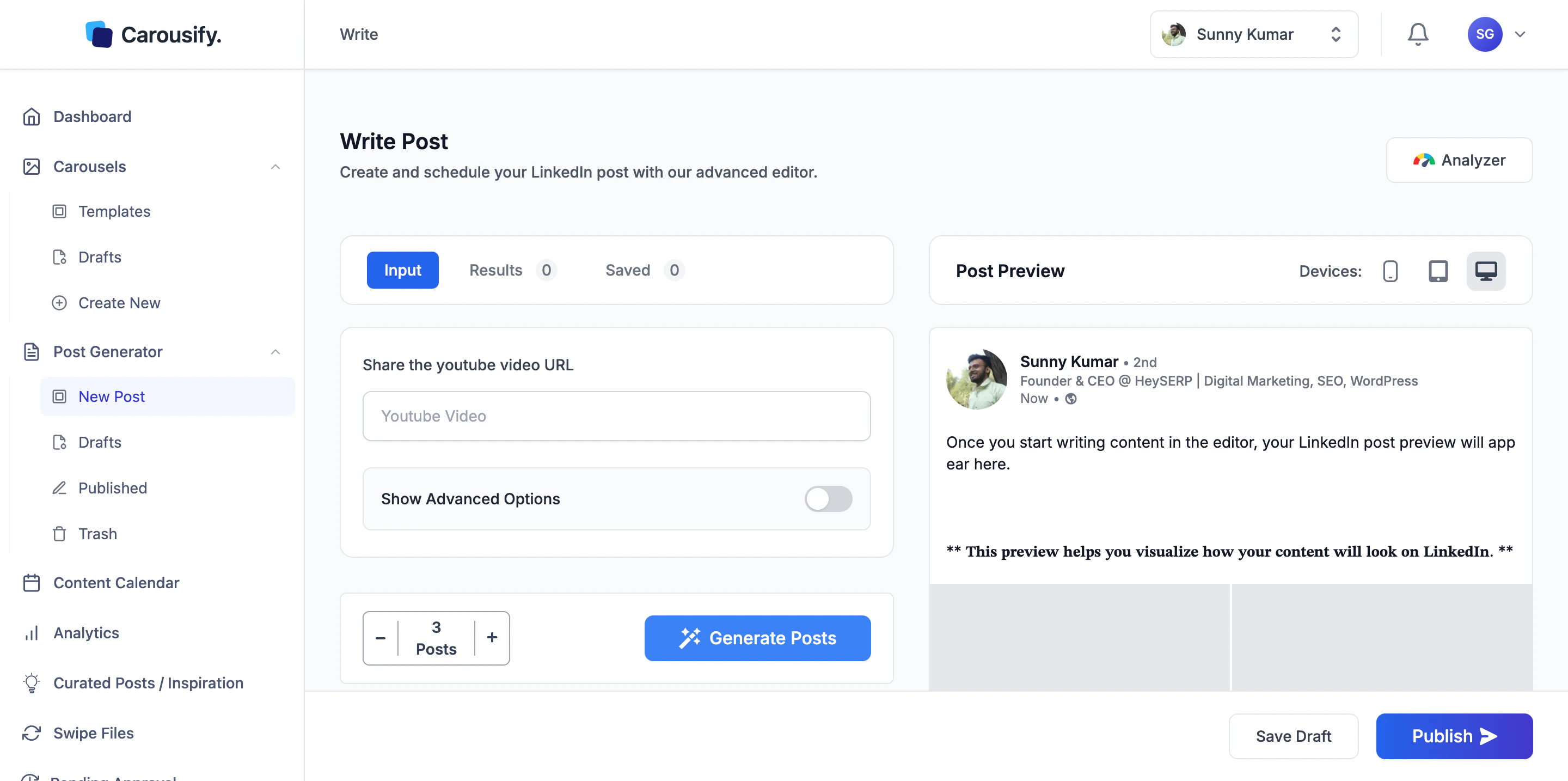
From audio
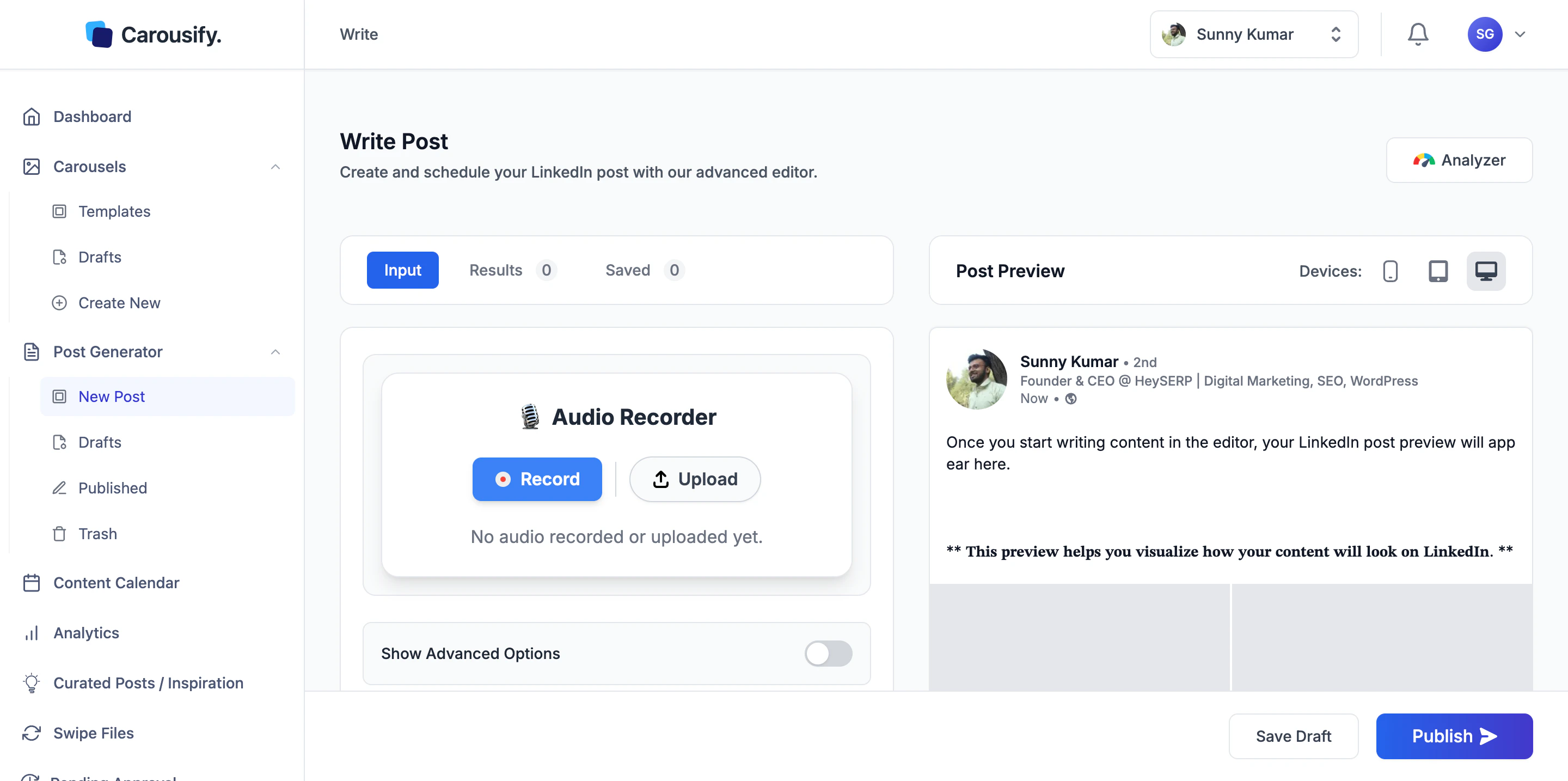
- Record — click and speak. Carousify records straight from your browser.
- Upload — drag in an MP3, M4A, WAV, or similar audio file.
From a PDF
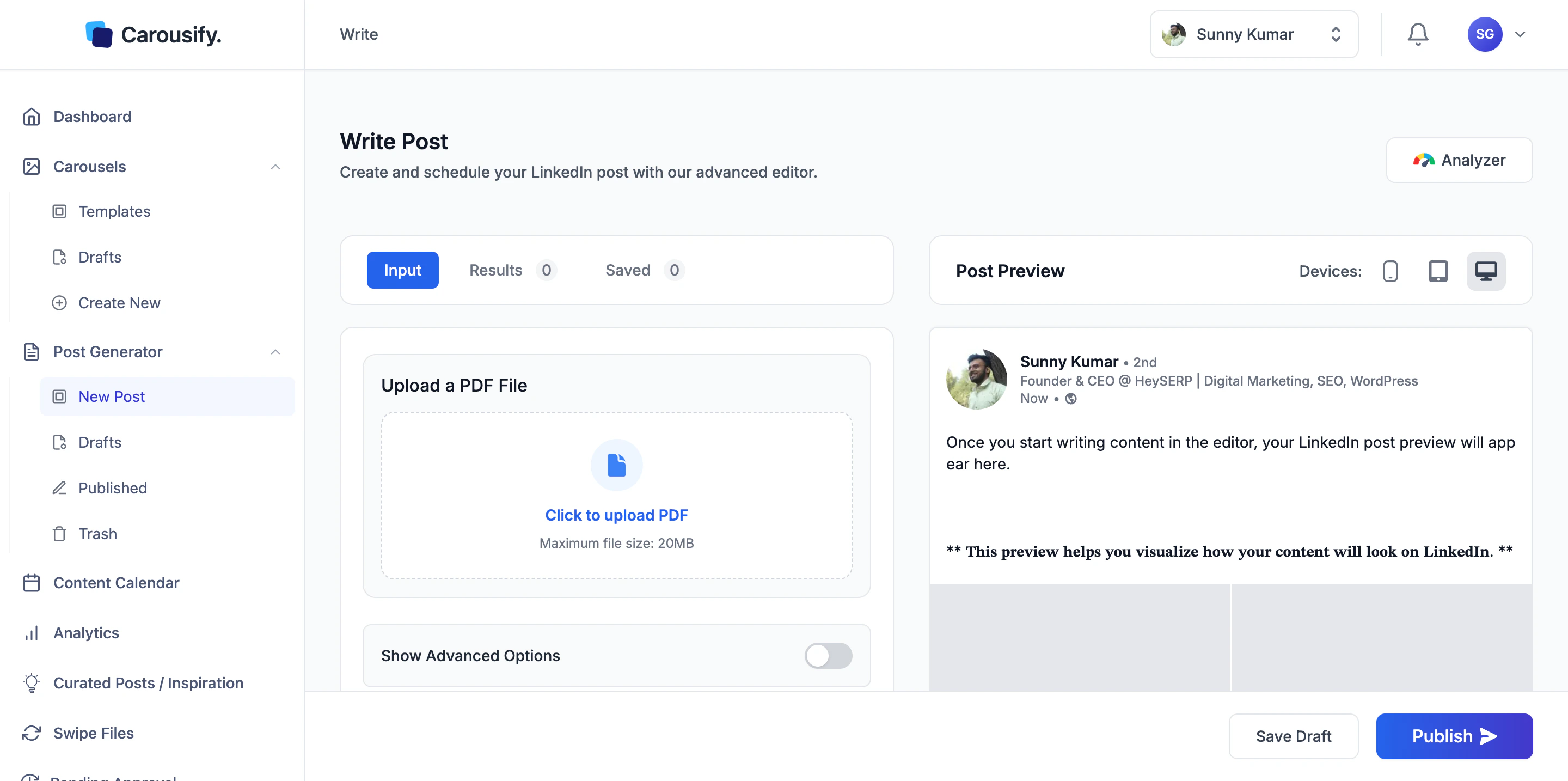
Show Advanced Options
Every generator has a Show Advanced Options toggle below the input. Flip it on to control how the post comes out.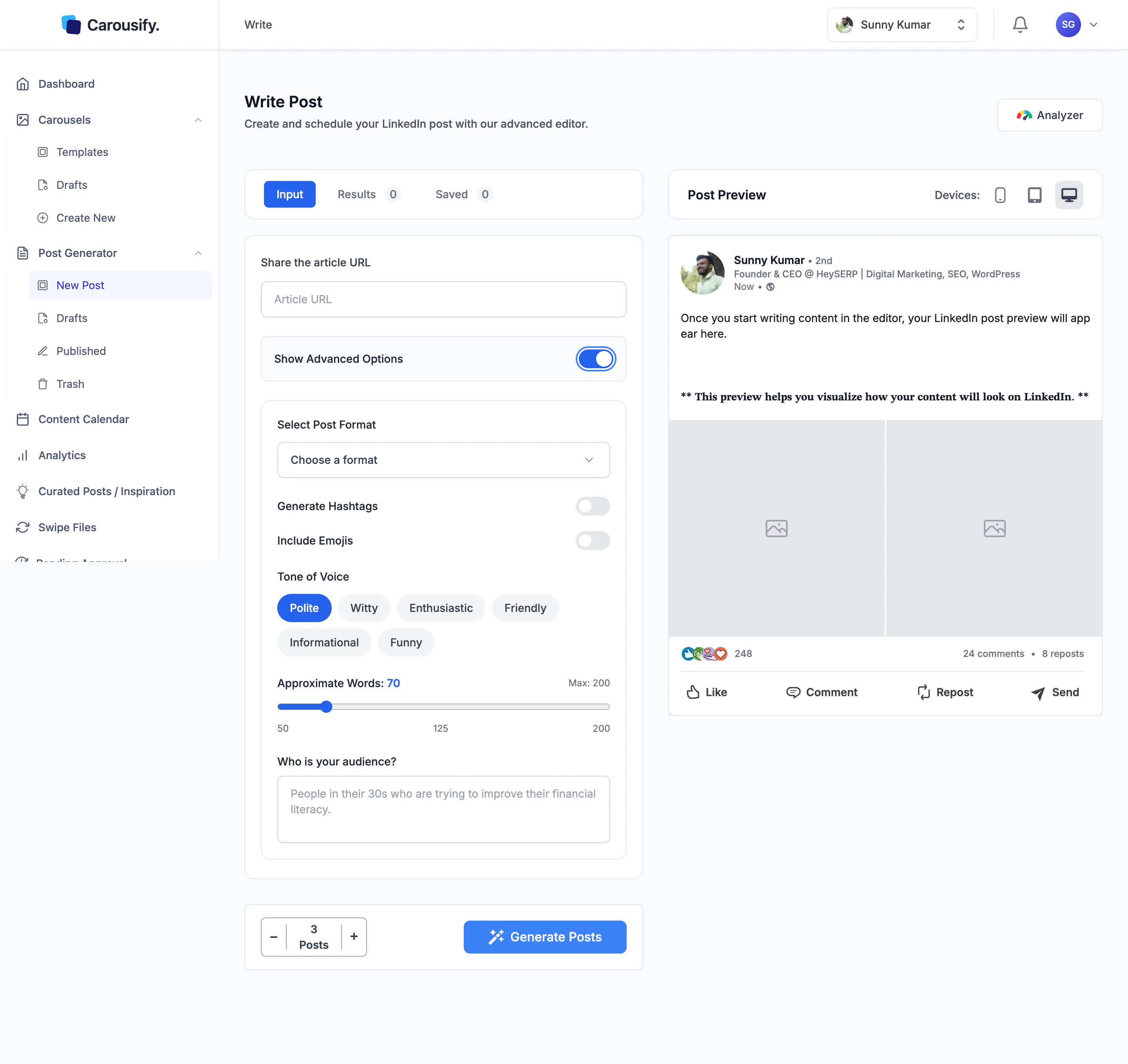
- Select Post Format — pick a preset post template
- Generate Hashtags — adds relevant hashtags at the end
- Include Emojis — sprinkles emojis through the post; off by default
- Tone of Voice — Polite, Witty, Enthusiastic, Friendly, Informational, or Funny
- Approximate Words — slider from 50 to 200; default is 70
- Who is your audience? — short description of who you’re writing for. The more specific, the closer the post lands.
Generate and refine
Below the input, the Posts counter sets how many variations Carousify should produce in one go — default is 3. Tap+ or − to change it, then hit Generate Posts.
Once a variation is loaded into the editor, treat it like any other draft:
- Use the AI Assistant panel below the editor — Rephrase, Improve Writing, Fix Grammar, Make Shorter, Make Longer, Generate Hashtags, or a free-form prompt
- Select a single line or paragraph and apply AI to just that part
- Run the Analyzer for a structured score and per-dimension suggestions
Save Draft or Publish
When the post is ready:- Save Draft lands the post in Post Generator › Drafts.
- Publish opens the Publish Post dialog — post now, schedule for later, or attach an auto-plug follow-up comment.
What’s next
Write a new post
Blank canvas with the same AI Assistant — useful when you don’t have a source to generate from.
Curated Posts
Auto-generated post ideas refreshed on the days you choose.
Schedule a post
Queue the finished post at a peak time for your timezone.