

Where to find it
In the left sidebar, open Manage Workspace › Integrations.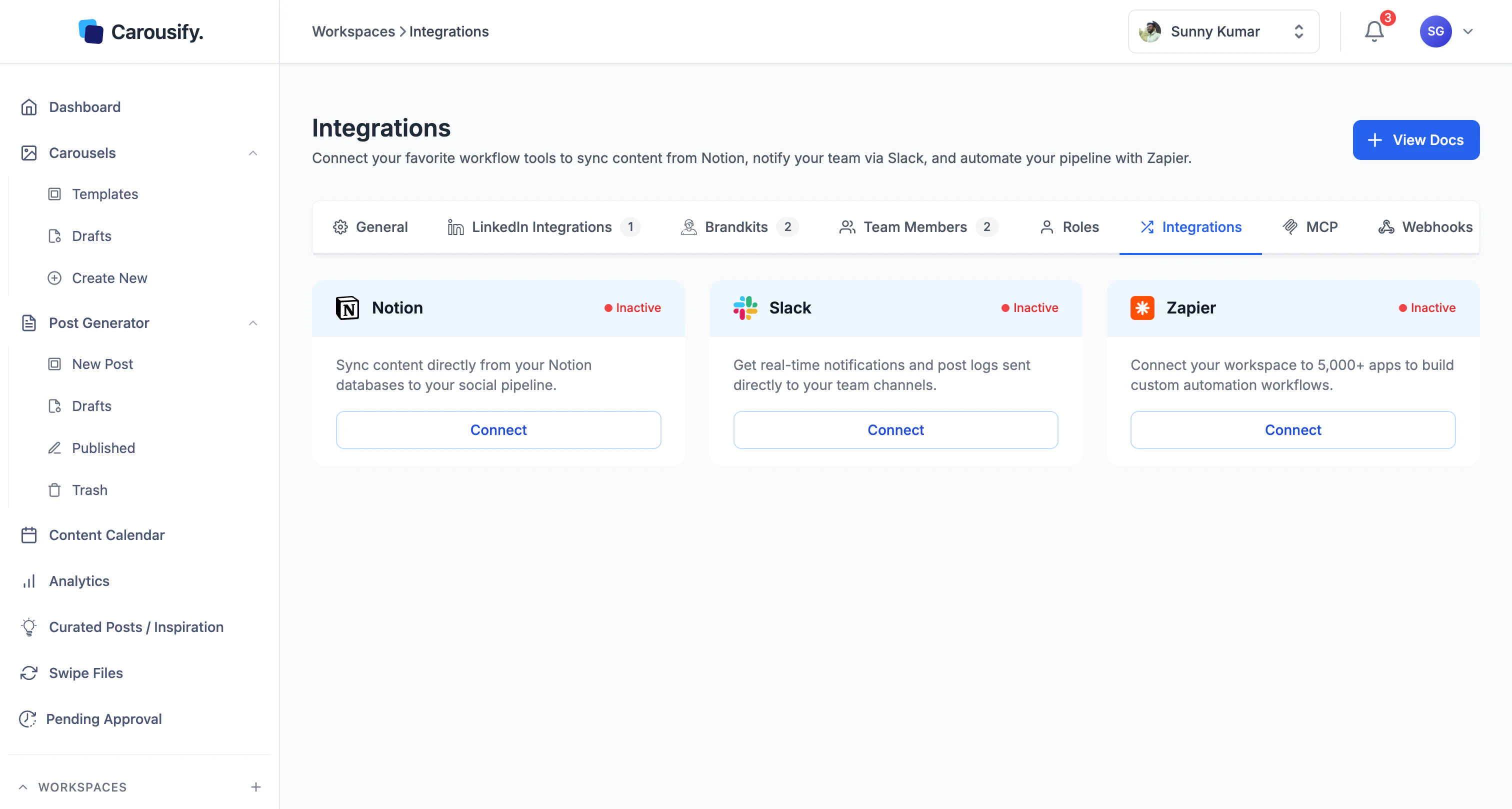
Integrations are scoped to a single workspace. If you run a workspace per client, connect Notion, Slack, or Zapier inside each workspace separately — settings don’t carry across.
Available integrations
Notion
Schedule LinkedIn posts straight from a Notion database.
Slack
Get notified when a post is published, scheduled, or fails.
Zapier
Trigger Zaps on the same three events and route them anywhere.
Looking for something else?
Browser extension
Capture articles, tweets, or LinkedIn posts as you browse.
MCP server
Drive Carousify from Claude, Codex, VS Code, or Antigravity.
Don’t see what you need?
The integration list will keep growing. If a tool your team relies on isn’t here yet, drop a note via Support — popular requests move up the roadmap. In the meantime, the MCP server covers most custom workflows without waiting for a built-in integration.What’s next
Set up Notion
Copy our template or map your own database.
Set up Slack
Pick a channel and start getting publish alerts.
Set up Zapier
Connect Zapier and build your first Zap.