Curated Posts is a feed of LinkedIn post ideas Carousify writes for you. It learns from your connected LinkedIn account and posts fresh ideas to the Curated Posts / Inspiration tab in the sidebar on the days you pick.
Turn it on
Curated Posts is configured per workspace under Manage Workspace › General › AI Assistant.
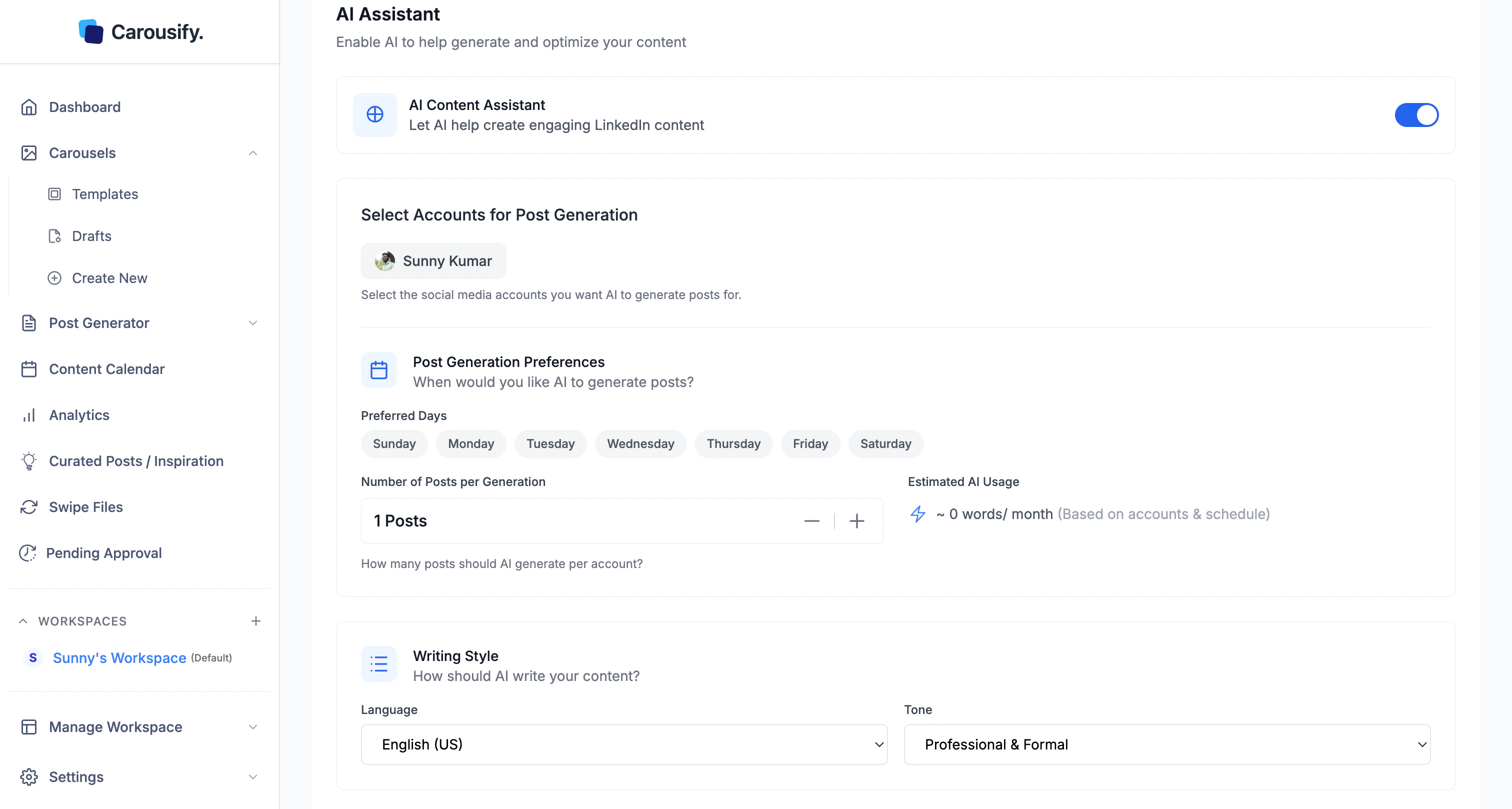
Toggle AI Content Assistant on
The account and day pickers appear once it’s on.
Choose the LinkedIn account
Pick which connected account Carousify should mine for niche signals. Your activity and audience drive what shows up in the feed.
Pick the days
Select which days Carousify should generate fresh curated posts. New ideas land on those days — pick the ones you actually plan to write.
Save Changes
Click Save Changes. The first batch takes a few hours to generate; after that the feed refreshes on the days you picked.
Open the feed
Once enabled, click Curated Posts / Inspiration in the left sidebar.
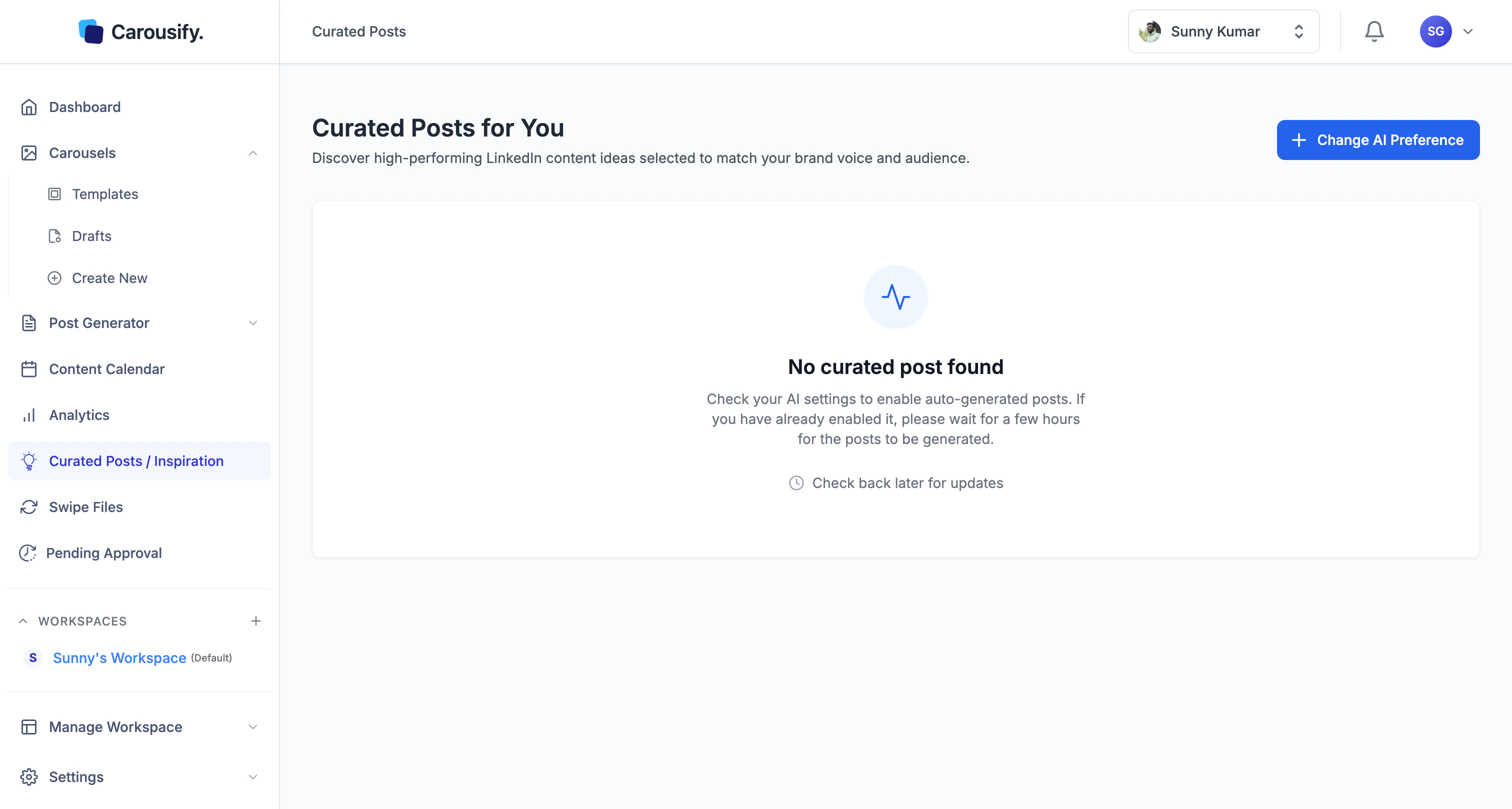 If the page is empty, either generation hasn’t finished yet (give it a few hours after first turning the toggle on) or the AI Content Assistant is off. Use Change AI Preference at the top to jump back to settings.
Use the ideas
Each curated post is an idea draft you can:
- Open in the editor and refine before publishing
- Schedule straight to LinkedIn from the post like any other Carousify post
- Skip if it’s not the angle you want — Carousify keeps refreshing on your chosen days
Treat the feed like a writing prompt list, not a publish-as-is queue. The faster you edit and ship, the better the next batch gets at matching your voice.

